


NVS Capacity
Planning Tool
Turn existing cameras into AI-driven systems—no hardware needed—with the EnGenius EVS Series, delivering analytics, alerts, search, and centralized cloud management. Interactive NVS capacity calculator that estimates resource usage by camera type, resolution, and AI features, with real-time insights and optimization guidance for scalable deployments.
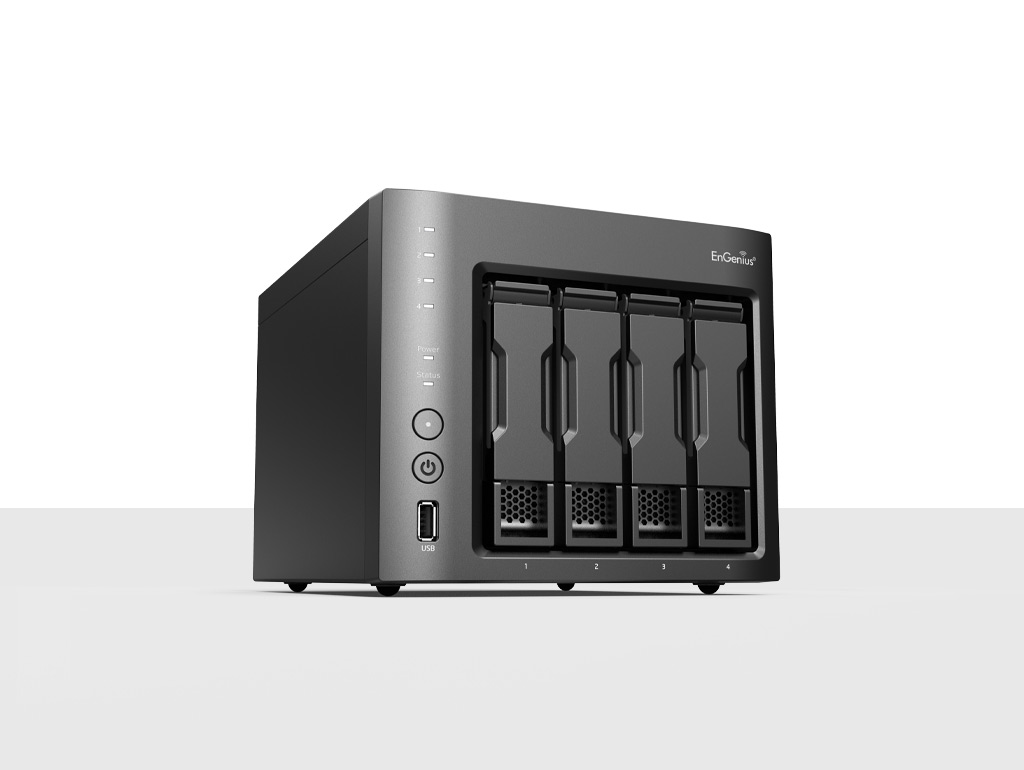
Resource Planner
EnGenius NVS Channel Capacity Calculator
Connected Devices
[3rd Party] 2–5MP camera
Manage third-party 5MP cameras (ONVIF/RTSP).
1.0 / unit
0
Max: 16
[3rd Party] 8–12MP camera
High density streams (ONVIF/RTSP).
1.6 / unit
0
Max: 10
[EnGenius ECC] Video Backup
Backup recording data from Cloud cameras.
0.5 / unit
0
Max: 30
Feature Enablement
Enable Edge AI
Object detection & occupancy.
Quantity
0 units
HDMI Output
Display directly to a video wall.
+8 units
Capacity Usage
Healthy
0.0
Units Consumed
/ 16
Total Capacity
Device Consumption
0.0
Feature Consumption
0.0
Optimal Configuration:
Start adding devices to calculate your NVS resource load.
Planning Tips
8–12MP cameras consume 1.6x more resources than standard 5MP setups. Enabling HDMI output immediately reserves 50% of total capacity. AI detection is computationally heavy: 10 units for 1 instance.
